
To use the SitePad website builder, you need to order any hosting plan from us.
After you order and pay for the “hosting” service, we will send you access details to the cPanel control panel. Inside cPanel, you can create your website using the builder.
 |
 |
 |
Features
One-click creationSimply choose a theme, add your information, upload images, audio, video, and click publish. |
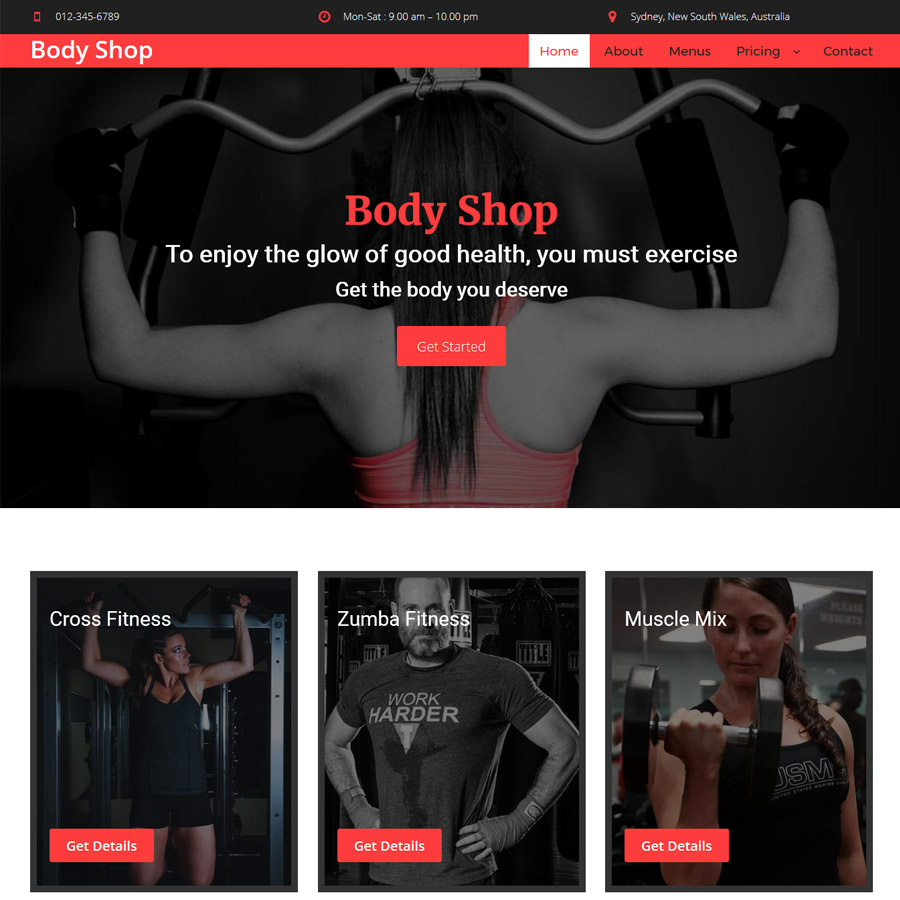
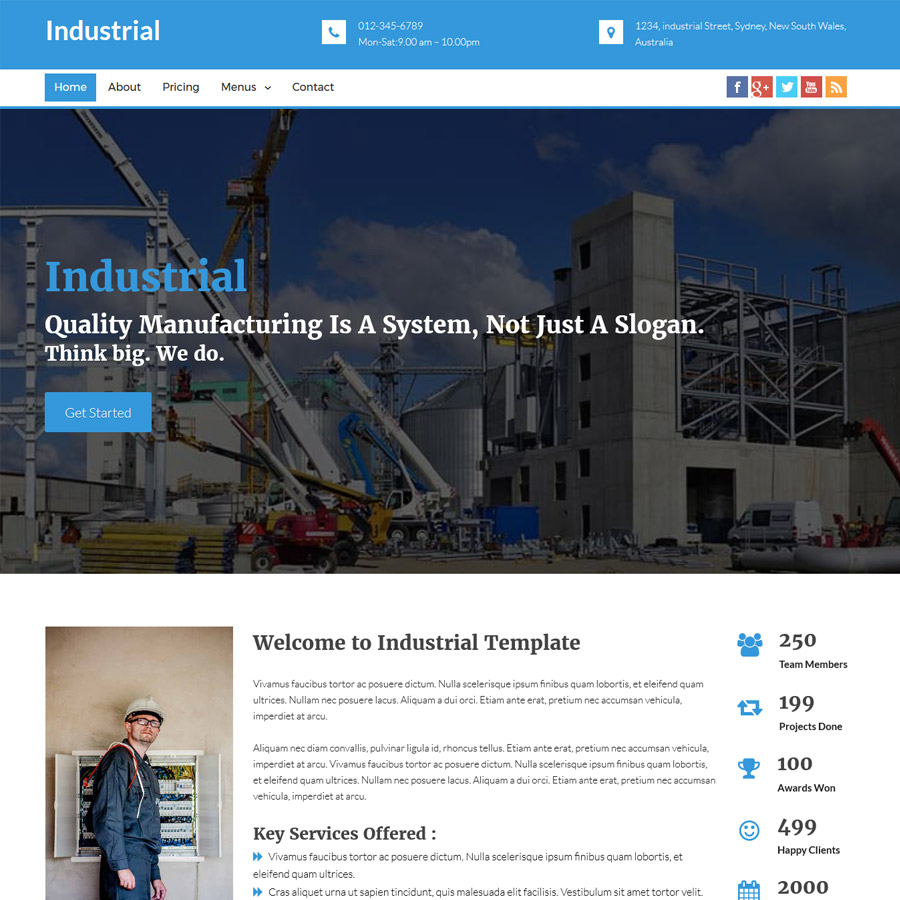
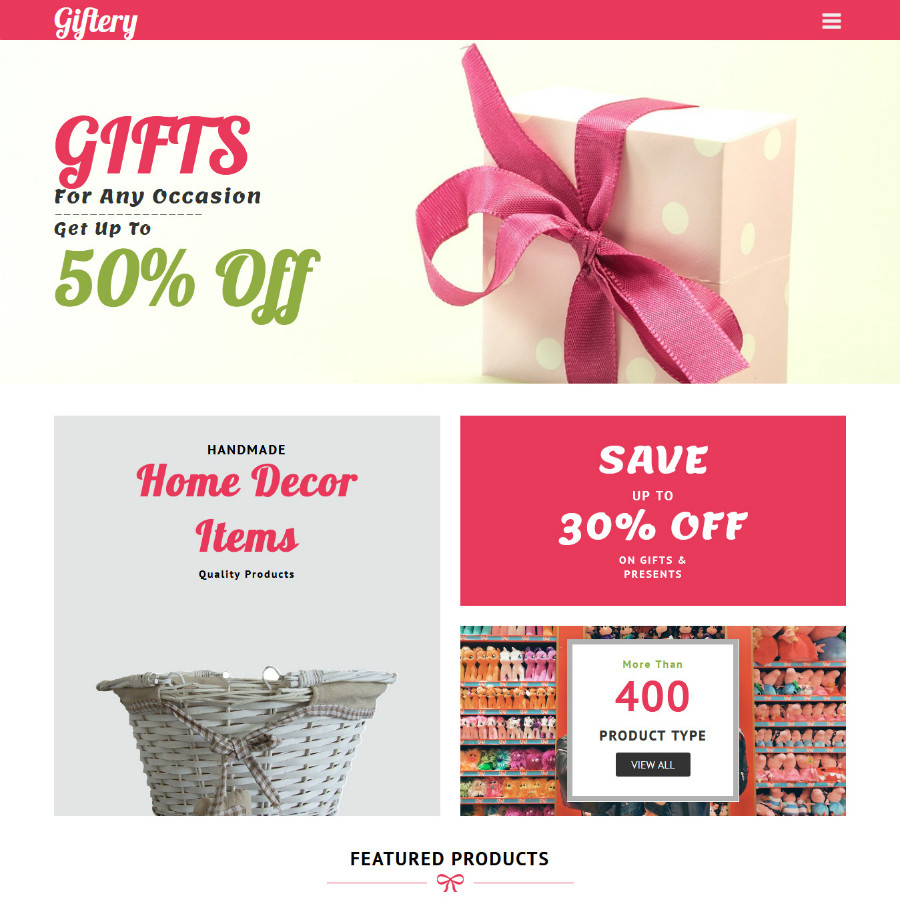
Over 850 premium templatesMore than 850 ready-to-use templates to build the foundation of your website. |
40+ widgetsEasy-to-use video/photo sliders, image galleries, videos, audio, service blocks, Google Maps, and more. |
Static pagesSitePad publishes static pages (HTML, CSS, JS) for your domain to speed up website loading. |
Responsive designWebsites created with SitePad are responsive and adapt to all screen sizes. |
Social widgetsCreate links to your social pages such as Facebook, Twitter, LinkedIn, YouTube, and more. |
Menu managementAdd, edit, and delete menu items and submenus easily. |
BlogCreate a blog to regularly publish new posts on your website. |
MultimediaAdd images, audio, and video to your site and blog using a drag-and-drop interface. |
User-friendlyA simple drag-and-drop interface for building beautiful websites without technical knowledge. |
FlexibleCreate an unlimited number of pages and/or blog posts. |
Multiple websitesCreate multiple websites, each with different themes, layouts, and content. |
Modules
HeadingAdd a highlighted title to your page. |
ParagraphStyle a paragraph within the text of your page. |
Rich TextFormat your page with bold, italic, and underlined text, multimedia, and more. |
QuotesWrite your favorite quotes and mention their authors. |
ListCreate ordered or unordered lists of elements. |
IconsAdd Glyphicons and Awesome icons to your website text. |
ImagesUse images to make your website more attractive. |
SliderAdd image sliders to your site to make it more dynamic. |
Grid GalleryGrid Gallery is the best way to showcase your images or portfolio. |
Image HotspotImage Hotspot allows you to highlight specific regions of an image and give them names. |
ButtonAdd a button to your website so users can click and navigate to a desired section. |
Button GroupCreate a group of buttons that perform different actions. |
Download ButtonUse the download button to create links for downloading files. |
Social WidgetsAllow users to share links to your website on social media platforms. |
AudioAdd audio files to your website to engage your visitors. |
VideoAdd videos to visually present your product or company. |
Video SliderThe video slider allows you to insert multiple videos in a slideshow. |
Video LightBoxVideo LightBox lets you embed videos on a page using an overlay. |
Service BoxUse Service Box to add an image, title, description, and button to your content area. |
TabsA content area with multiple panels, each linked to a title in the list. |
AccordionDisplay collapsible content panels to present information in a compact way. |
TableA structured area to display your related content in rows and columns. |
Call to ActionPrompt users to take an action using the call-to-action widget. |
Modal WindowDisplay your text or media content above the main content window. |
PopupAttract user attention during visits with visual and multimedia popup effects. |
SpacingCreate vertical space between elements to make your content more aesthetic. |
EmbedInsert HTML code using the “Embed” widget. |
ChartDisplay statistics related to your products or business using various types of available charts. |
Google MapsUse the Google Maps widget to show your business or office location. |
TimerUse the countdown timer to add a countdown for your product launch or any other event on your website. |
Pricing TableShowcase the prices and features of your products using an attractive table layout. |
Contact FormCreate a contact form so users can reach out to you for product inquiries. |
Site TitleGive your website a title using this widget. |
Primary MenuAdd a navigation menu to allow users to browse between pages on your website. |
Posts GridCreate a content area to display all your posts. |
PagesDisplay all pages in the content area of your website. |
Recent PostsShow all your latest posts on your page. |
CalendarThe calendar widget displays all posts by month. |
Posts SliderUse the Posts Slider to showcase all your posts in a slideshow format. |
CategoriesDisplays all categories of your posts. |
ArchivesShow all your posts stored in the archive. |
Tag CloudThe tag cloud displays posts based on the tags used in each post. |